OpenAI
Every OpenAI dollar, owned and measured.
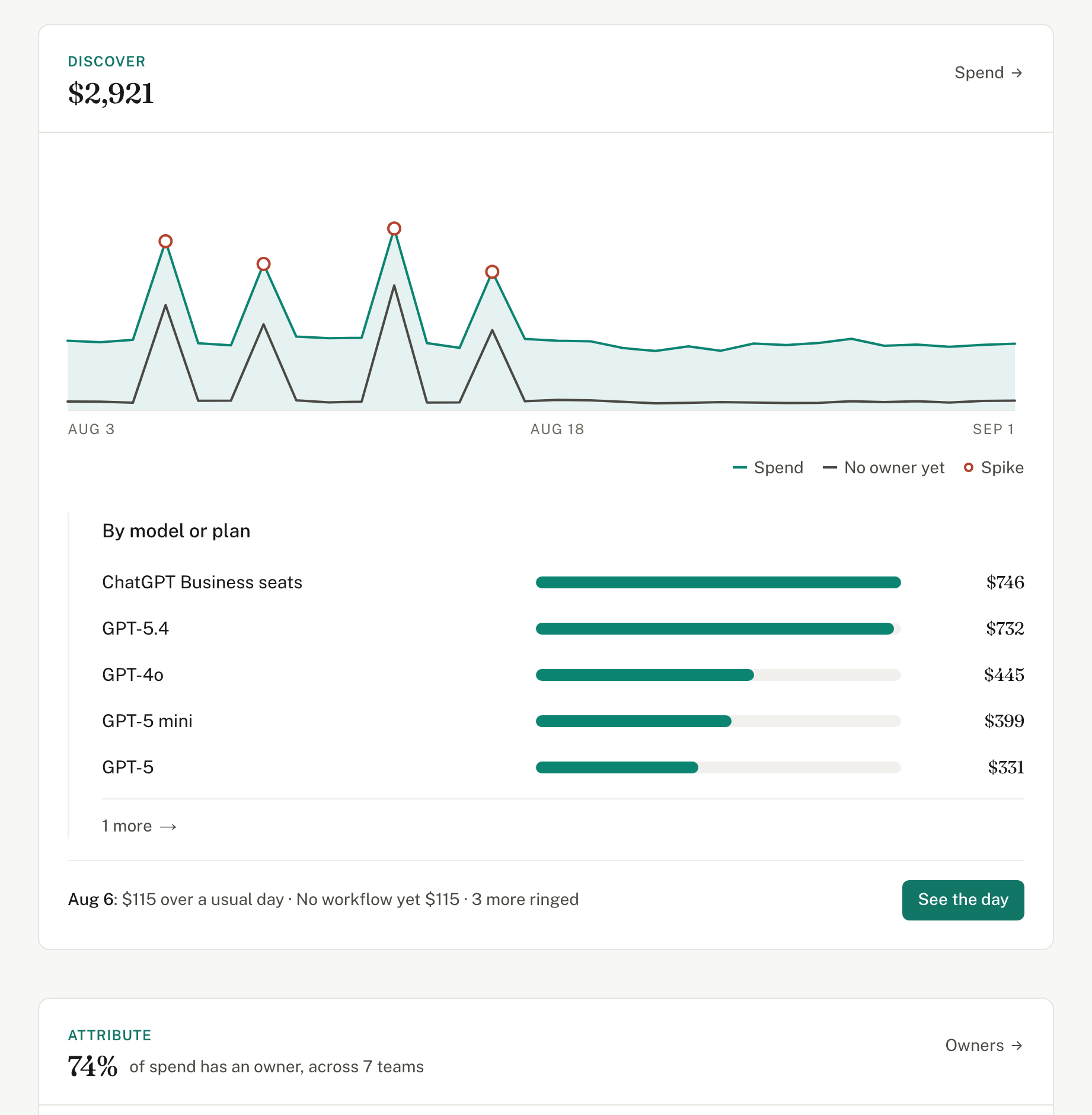
The OpenAI dashboard reports spend by project, key and model. Valistry adds owners, outcomes and savings, across all your AI vendors.
Valistry × OpenAI
How much do we spend on AI?
The OpenAI dashboard gives youSpend by project, API key and model.
Valistry addsOne total with every other AI vendor and seat.
Who owns each dollar?
The OpenAI dashboard gives youProjects and service accounts.
Valistry addsOwners by team, across projects and every vendor.
What did the spend produce?
The OpenAI dashboard gives youUsage per model.
Valistry addsWhat one result costs, from your ticket or code system.
Within budget and policy?
The OpenAI dashboard gives youA budget and an email alert on each project.
Valistry addsBudgets and alerts across all your AI, and whether data retention is on.
Where can we save?
The OpenAI dashboard gives youUsage by model.
Valistry addsThe cheaper model for the job, checked on your own runs.
| Question | The OpenAI dashboard gives you | Valistry adds |
|---|---|---|
| How much do we spend on AI? | Spend by project, API key and model. | One total with every other AI vendor and seat. |
| Who owns each dollar? | Projects and service accounts. | Owners by team, across projects and every vendor. |
| What did the spend produce? | Usage per model. | What one result costs, from your ticket or code system. |
| Within budget and policy? | A budget and an email alert on each project. | Budgets and alerts across all your AI, and whether data retention is on. |
| Where can we save? | Usage by model. | The cheaper model for the job, checked on your own runs. |
How we connect with OpenAI
OpenAI usage and costs
Usage by day, model, project, key and person. The bill, by line. Tokens, cached tokens, AI calls, batch or priority, and transcription minutes. Project and key names, and your data retention setting, where the key may read them. Never prompts, replies or member names.
How to connect itChatGPT Enterprise seats
Only the Users export you upload. Each person as a code, not a name. Whether each used ChatGPT, and messages by model. Never a chat, a name or a department.
How to connect itCodex usage
Codex use per person, day and app. Turns, credits, tokens and what OpenAI billed. Lines Codex helped write. Never a prompt, a thread or code.
How to connect it- 1Give read-only accessAdmin API key, from OpenAI.
- 2Paste it into ValistryWe test it first, then keep it encrypted.
- 3See it beside all your AICost by team, by outcome, and what to save.