Databricks
 Databricks
Every Databricks AI dollar, owned and measured.
Databricks reports usage in DBUs by workspace, SKU and tag. Valistry adds AI spend in dollars, owners and outcomes, across all your AI vendors.
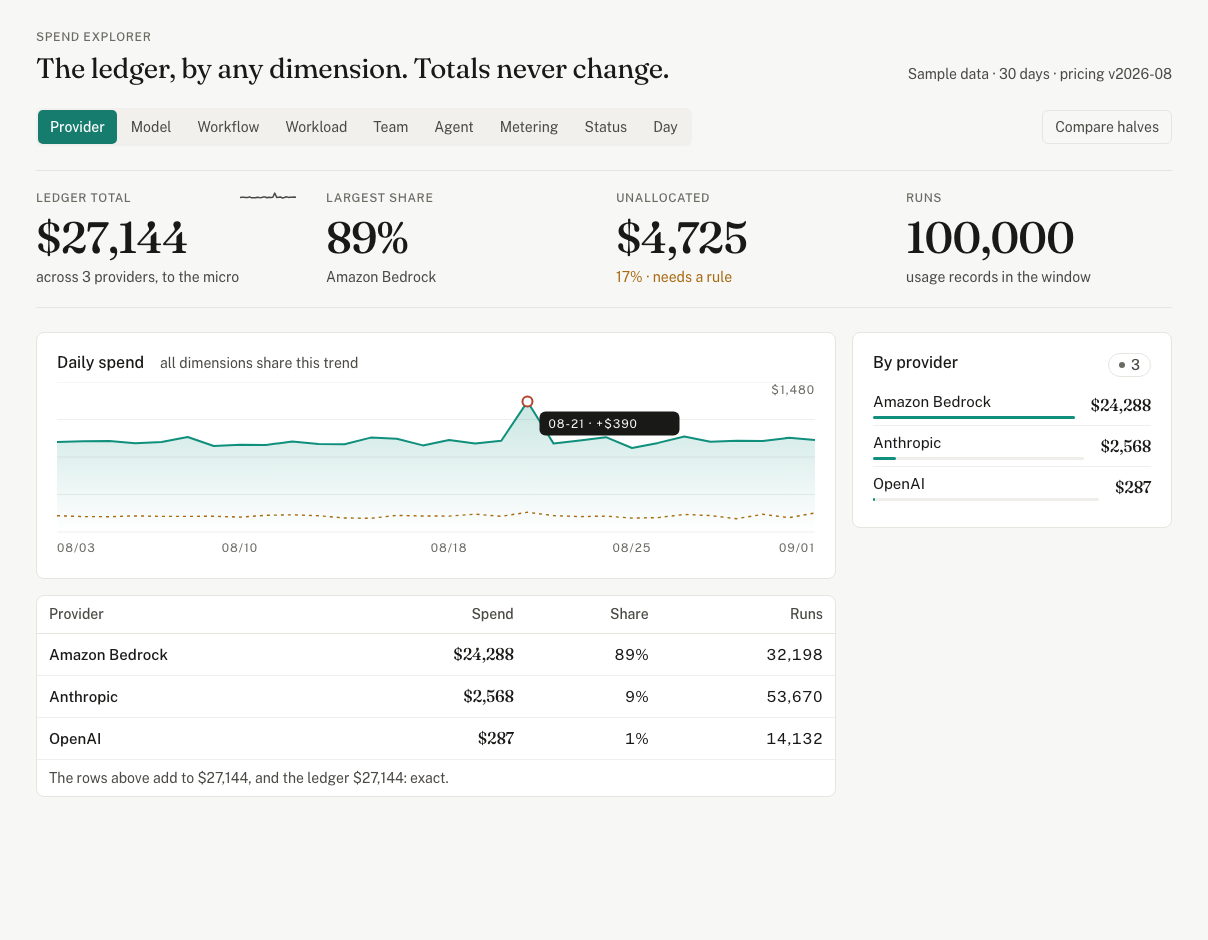
Valistry × Databricks
How much do we spend on AI?
Databricks gives youThe usage dashboard and billing tables, in DBUs.
Valistry addsAI spend in dollars, with every other vendor and seat.
Who owns each dollar?
Databricks gives youCustom tags and serverless usage policies.
Valistry addsAn owner for each workspace or SKU, by your rules.
What did the spend produce?
Databricks gives youToken use per endpoint in AI Gateway tables.
Valistry addsWhat one result costs, from your ticket or code system.
Will we stay within budget?
Databricks gives youBudgets with email alerts, by workspace and tag.
Valistry addsBudgets and alerts across all your AI, before spend passes them.
Where can we save?
Databricks gives youUsage by SKU and endpoint.
Valistry addsServing and GPU spend by day, beside every other vendor.
| Question | Databricks gives you | Valistry adds |
|---|---|---|
| How much do we spend on AI? | The usage dashboard and billing tables, in DBUs. | AI spend in dollars, with every other vendor and seat. |
| Who owns each dollar? | Custom tags and serverless usage policies. | An owner for each workspace or SKU, by your rules. |
| What did the spend produce? | Token use per endpoint in AI Gateway tables. | What one result costs, from your ticket or code system. |
| Will we stay within budget? | Budgets with email alerts, by workspace and tag. | Budgets and alerts across all your AI, before spend passes them. |
| Where can we save? | Usage by SKU and endpoint. | Serving and GPU spend by day, beside every other vendor. |
How we connect with Databricks
Databricks
Daily Databricks cost at list price, by workspace. The item billed and the units used. From its billing tables. Units are DBUs, Databricks' billing unit. Never your tables, notebooks or queries.
How to connect it- 1Give read-only accessWorkspace, token and a SQL warehouse, from Databricks.
- 2Paste it into ValistryWe test it first, then keep it encrypted.
- 3See it beside all your AICost by team, by outcome, and what to save.