Google Vertex AI
 Google Vertex AI
Every Vertex AI dollar, owned and measured.
Cloud Billing reports Vertex AI cost by project, SKU and label. Valistry adds owners, outcomes and savings, across all your AI vendors.
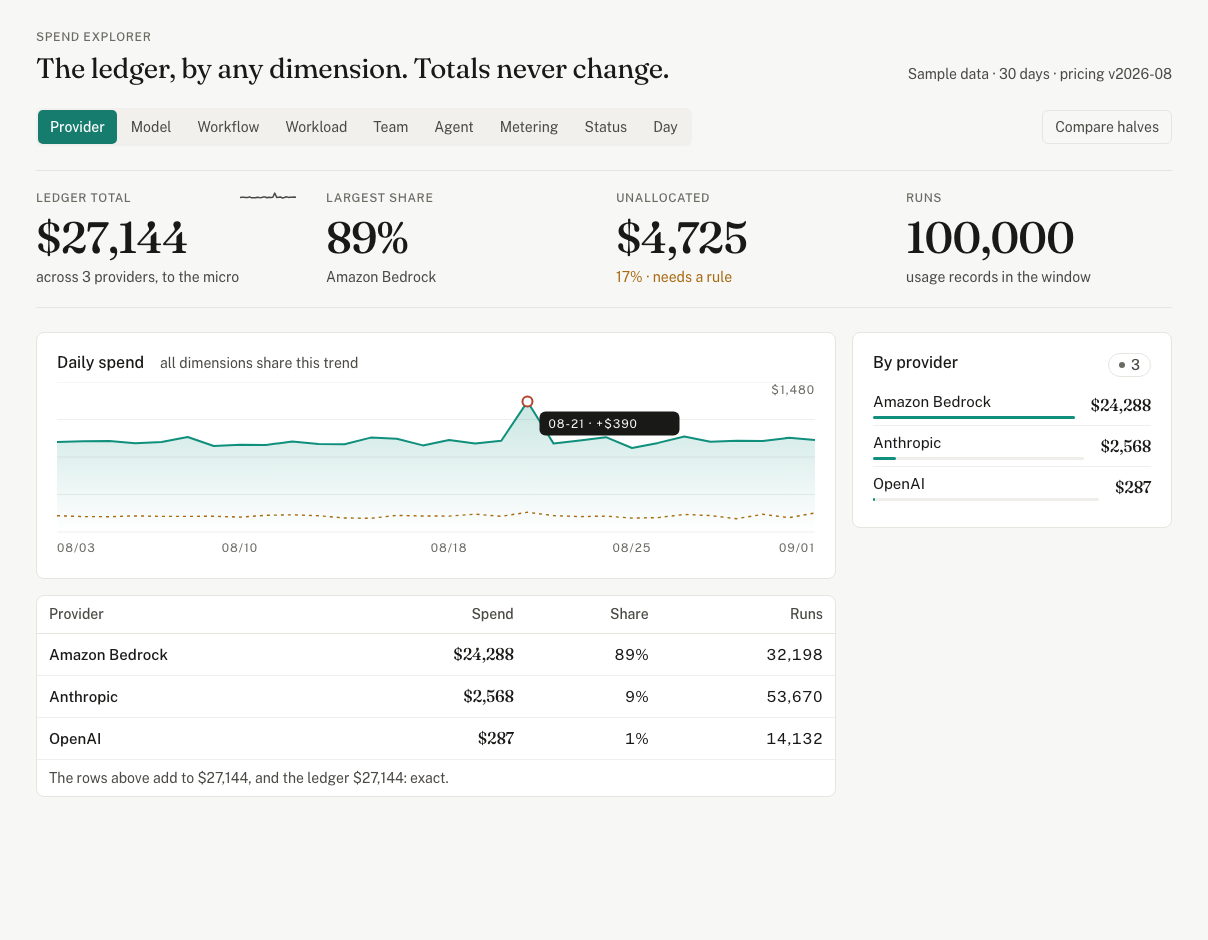
Valistry × Google Vertex AI
How much do we spend on AI?
Cloud Billing gives youBilling reports by project, service, SKU and label.
Valistry addsOne total with every other AI vendor and seat.
Who owns each dollar?
Cloud Billing gives youLabels on projects and on each API call.
Valistry addsSpend per project, and an owner for each by your rules.
What did the spend produce?
Cloud Billing gives youCost per SKU on the billing export.
Valistry addsWhat one result costs, from your ticket or code system.
Will we stay within budget?
Cloud Billing gives youBudgets that email alerts. They do not cap spend.
Valistry addsBudgets and alerts across all your AI, before spend passes them.
Where can we save?
Cloud Billing gives youCost by model SKU.
Valistry addsCost per model, with training kept apart from serving.
| Question | Cloud Billing gives you | Valistry adds |
|---|---|---|
| How much do we spend on AI? | Billing reports by project, service, SKU and label. | One total with every other AI vendor and seat. |
| Who owns each dollar? | Labels on projects and on each API call. | Spend per project, and an owner for each by your rules. |
| What did the spend produce? | Cost per SKU on the billing export. | What one result costs, from your ticket or code system. |
| Will we stay within budget? | Budgets that email alerts. They do not cap spend. | Budgets and alerts across all your AI, before spend passes them. |
| Where can we save? | Cost by model SKU. | Cost per model, with training kept apart from serving. |
How we connect with Google Vertex AI
Google Vertex AI
Vertex AI cost by day, project and model. From your billing export. Never prompts, replies or other services' spend.
How to connect it
Google Cloud billing
Daily AI, GPU and TPU cost by project. With credits and your labels. From your billing export. Never a resource, a log or a prompt.
How to connect it- 1Approve read-only accessSign in to Google Cloud and approve it. Nothing to paste.
- 2We test it firstValistry checks the access before it reads anything.
- 3See it beside all your AICost by team, by outcome, and what to save.