OpenRouter
 OpenRouter
Every OpenRouter dollar, owned and measured.
OpenRouter reports spend by key, model and provider. Valistry adds outcomes, budgets, and the AI you pay for outside it.
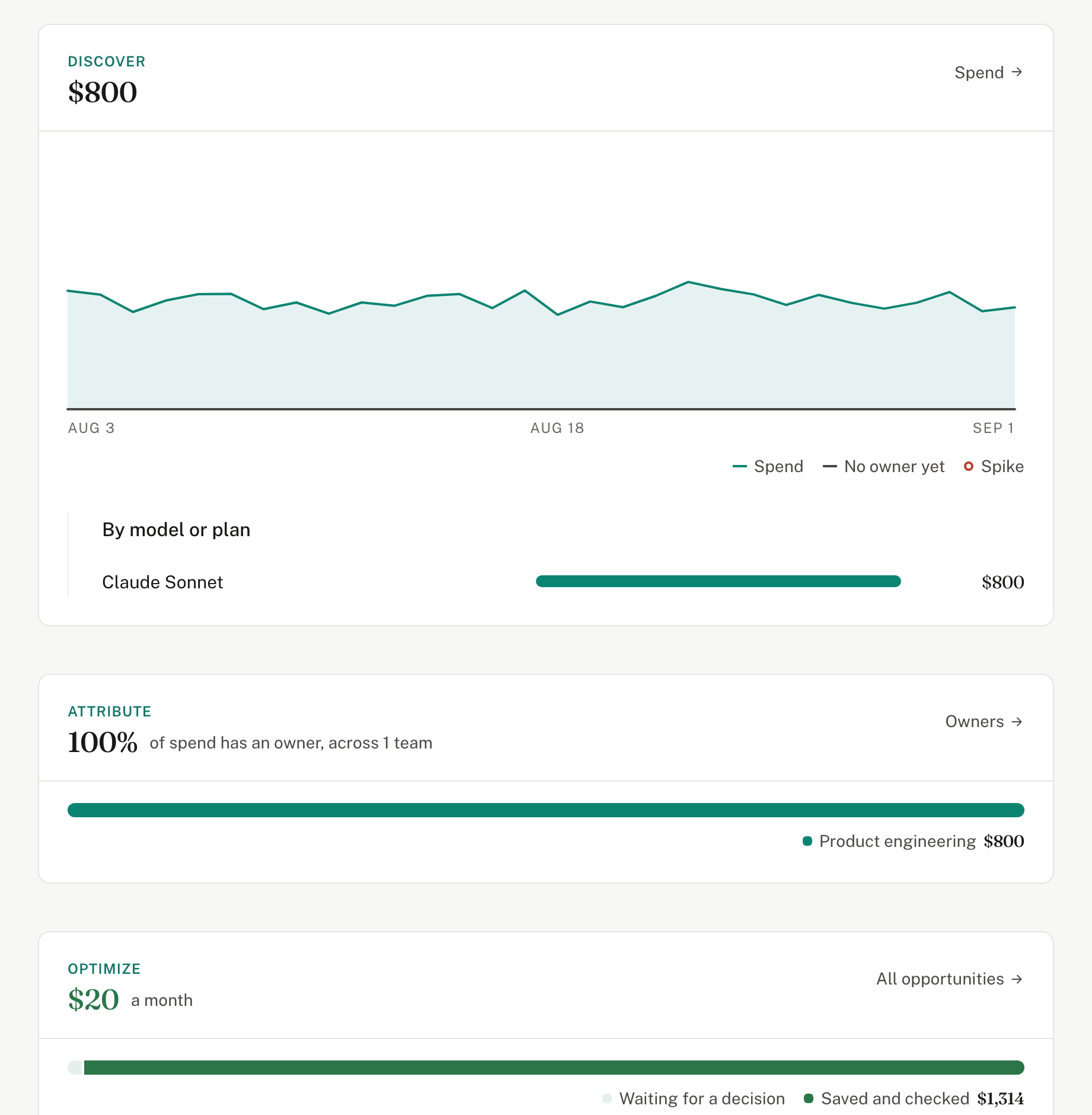
Valistry × OpenRouter
How much do we spend on AI?
The OpenRouter Activity page gives youSpend, requests and tokens for calls through OpenRouter.
Valistry addsEvery bill and seat outside OpenRouter too.
Who owns each dollar?
The OpenRouter Activity page gives youSpend by API key, member and workspace.
Valistry addsAn owner for each model or provider, by your rules.
What did the spend produce?
The OpenRouter Activity page gives youTokens and cost per model.
Valistry addsWhat one result costs, from your ticket or code system.
Will we stay within budget?
The OpenRouter Activity page gives youCredit limits per key, and budgets that reject calls.
Valistry addsOne set of budgets across every vendor.
Where can we save?
The OpenRouter Activity page gives youCost per million tokens, by model and provider.
Valistry addsThe cheaper model for the job, checked on your own runs.
| Question | The OpenRouter Activity page gives you | Valistry adds |
|---|---|---|
| How much do we spend on AI? | Spend, requests and tokens for calls through OpenRouter. | Every bill and seat outside OpenRouter too. |
| Who owns each dollar? | Spend by API key, member and workspace. | An owner for each model or provider, by your rules. |
| What did the spend produce? | Tokens and cost per model. | What one result costs, from your ticket or code system. |
| Will we stay within budget? | Credit limits per key, and budgets that reject calls. | One set of budgets across every vendor. |
| Where can we save? | Cost per million tokens, by model and provider. | The cheaper model for the job, checked on your own runs. |
How we connect with OpenRouter
OpenRouter
Usage and charges by day, model and provider. The last 30 days. AI calls, input, output, reasoning and cached tokens, the model version, workspace and the charge. Never a prompt or a reply.
How to connect it- 1Give read-only accessManagement key, from OpenRouter.
- 2Paste it into ValistryWe test it first, then keep it encrypted.
- 3See it beside all your AICost by team, by outcome, and what to save.