Cursor
Every Cursor seat and charge, measured.
The Cursor dashboard reports usage and spend per member. Valistry adds cost per merge, early signals of AI's impact, idle seats, and one total with your other AI.
Valistry × Cursor
How much do we spend on AI?
The Cursor dashboard gives youTeam usage and spend in the dashboard.
Valistry addsOne total with every other AI vendor and seat.
Who owns each dollar?
The Cursor dashboard gives youUsage per member, and groups on Enterprise.
Valistry addsSpend per person and model, with each email hidden.
What did the spend produce?
The Cursor dashboard gives youAI lines, Tab use and agent edits accepted.
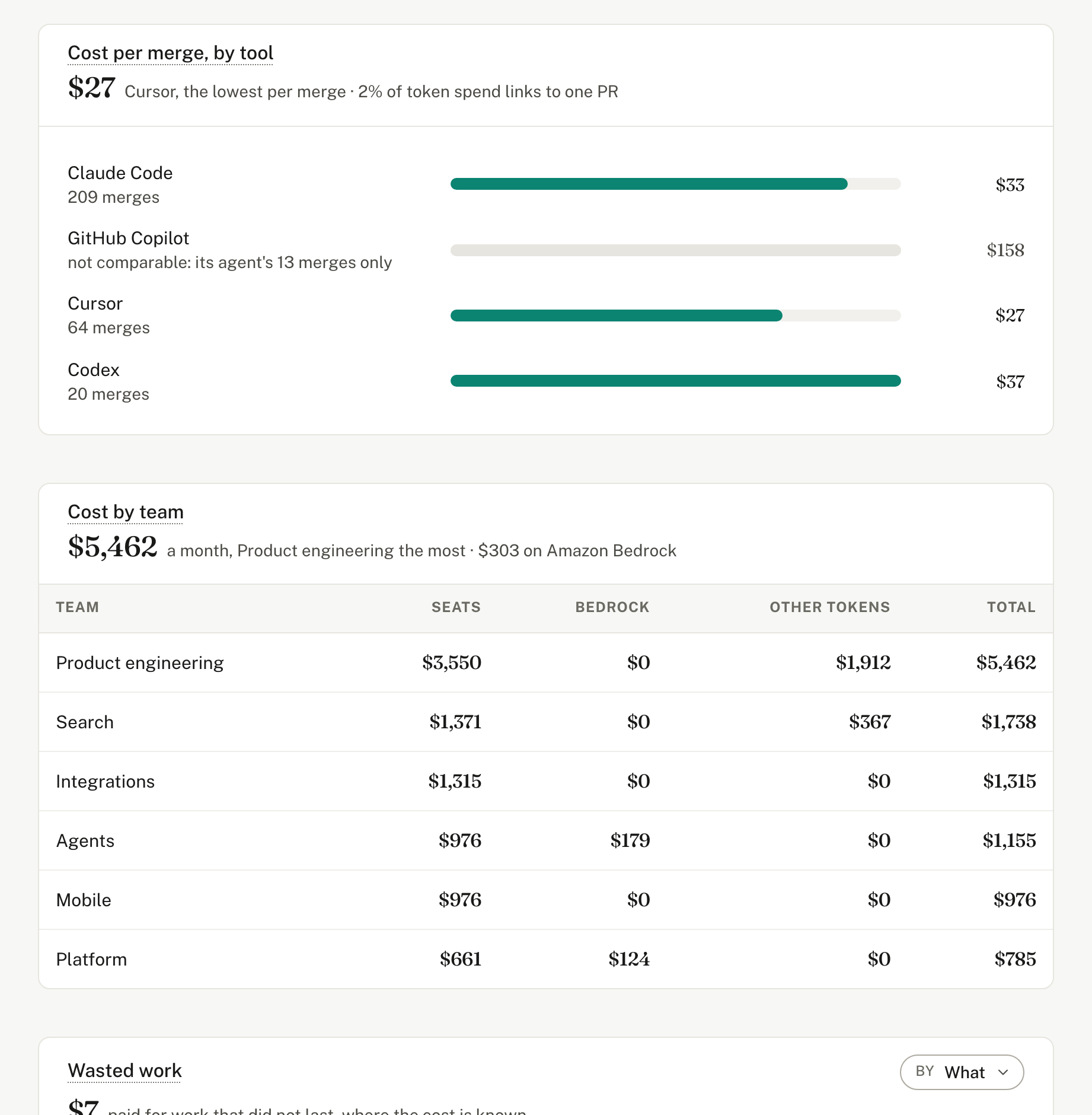
Valistry addsCost per merge, and early signals, team by team.
Will we stay within budget?
The Cursor dashboard gives youA team spend limit, and member limits on Enterprise.
Valistry addsBudgets and alerts across all your AI, before spend passes them.
Where can we save?
The Cursor dashboard gives youUsage by member and model.
Valistry addsIdle seats, and charges beyond the plan, per person.
| Question | The Cursor dashboard gives you | Valistry adds |
|---|---|---|
| How much do we spend on AI? | Team usage and spend in the dashboard. | One total with every other AI vendor and seat. |
| Who owns each dollar? | Usage per member, and groups on Enterprise. | Spend per person and model, with each email hidden. |
| What did the spend produce? | AI lines, Tab use and agent edits accepted. | Cost per merge, and early signals, team by team. |
| Will we stay within budget? | A team spend limit, and member limits on Enterprise. | Budgets and alerts across all your AI, before spend passes them. |
| Where can we save? | Usage by member and model. | Idle seats, and charges beyond the plan, per person. |
How we connect with Cursor
Cursor team
Use and charges, people as codes, not names. Your Cursor team list. Per person and day: Tab suggestions shown and accepted, accepted lines and agent use. Each model's tokens and charges beyond the plan. Never code or a prompt.
How to connect it- 1Give read-only accessAdmin API key, from the Cursor dashboard.
- 2Paste it into ValistryWe test it first, then keep it encrypted.
- 3See it beside all your AICost by team, by outcome, and what to save.