GitHub Copilot
Every Copilot seat, priced and measured.
GitHub reports Copilot seats, AI credits and adoption. Valistry adds seat cost by team, seats used against seats bought, and one total with your other AI.
Valistry × GitHub Copilot
How much do we spend on AI?
GitHub billing gives youSeats and AI credit use on the billing pages.
Valistry addsOne total with every other AI vendor and seat.
Who owns each dollar?
GitHub billing gives youCost centers, and budgets per user or group.
Valistry addsEach seat with the team that gave it.
What did the spend produce?
GitHub billing gives youAdoption metrics, and a dashboard linking use to pull requests.
Valistry addsSeats used of seats bought, and the cost per developer, beside every coding tool.
Will we stay within budget?
GitHub billing gives youAI credit budgets per user, cost center or enterprise.
Valistry addsBudgets and alerts across all your AI, before spend passes them.
Where can we save?
GitHub billing gives youSeat activity and usage metrics.
Valistry addsSeats with no activity in 28 days, in dollars.
| Question | GitHub billing gives you | Valistry adds |
|---|---|---|
| How much do we spend on AI? | Seats and AI credit use on the billing pages. | One total with every other AI vendor and seat. |
| Who owns each dollar? | Cost centers, and budgets per user or group. | Each seat with the team that gave it. |
| What did the spend produce? | Adoption metrics, and a dashboard linking use to pull requests. | Seats used of seats bought, and the cost per developer, beside every coding tool. |
| Will we stay within budget? | AI credit budgets per user, cost center or enterprise. | Budgets and alerts across all your AI, before spend passes them. |
| Where can we save? | Seat activity and usage metrics. | Seats with no activity in 28 days, in dollars. |
How we connect with GitHub Copilot
GitHub Copilot seats
Copilot seats, use and pull requests it opened. People as codes, not names. Each seat holder's plan, team and last use. Per person and day: suggestions accepted, lines, chat and agent use, and pull requests Copilot opened. Never code, a prompt or a GitHub login.
How to connect itGitHub merged pull requests
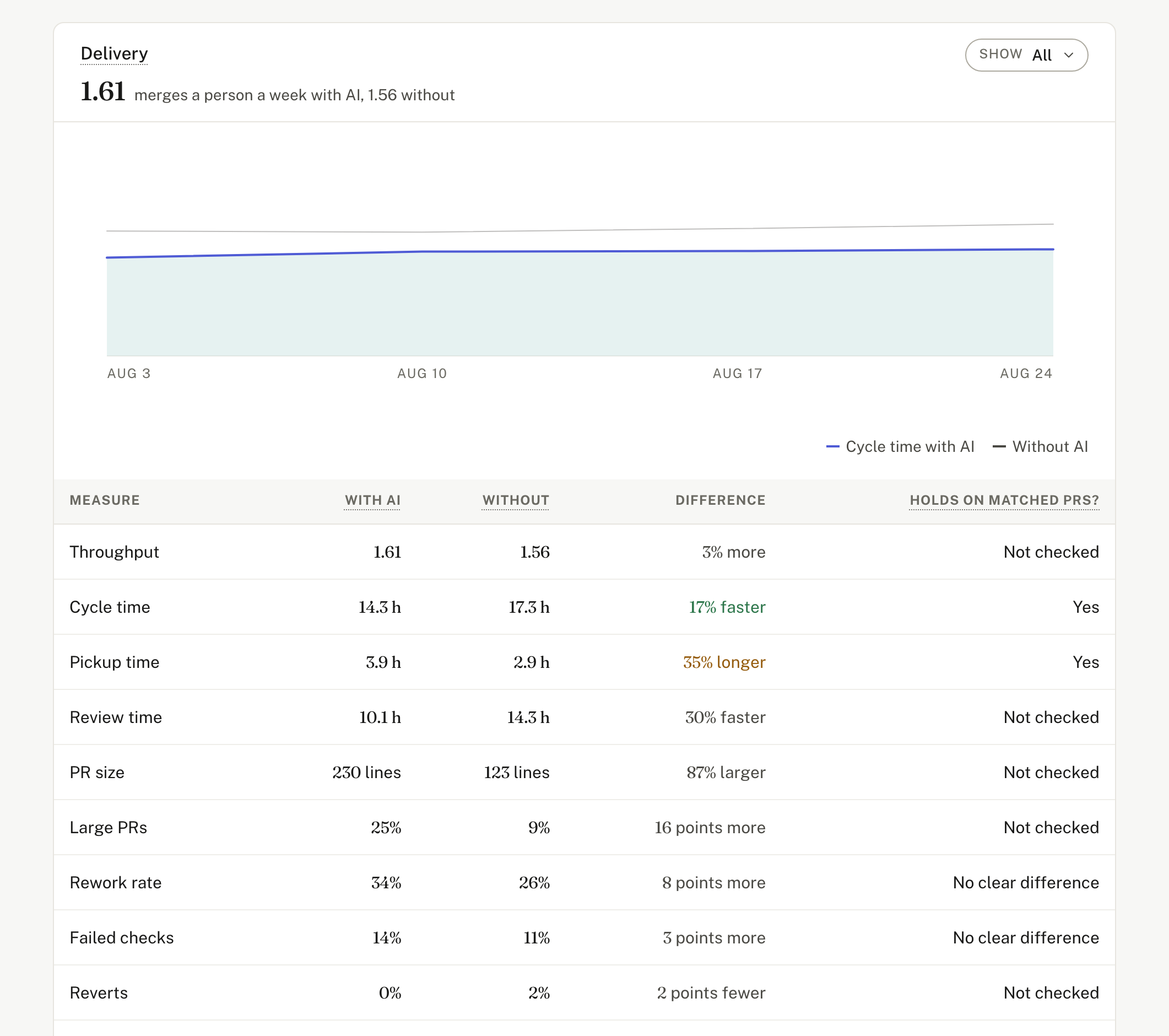
Each closed pull request. Open, review and merge times, size and checks. Reverts, and the AI tools that co-wrote or reviewed each. Authors and files as codes, not names. Never stores code, file names or people's text. That includes titles, descriptions, comments, reviews and commit messages. Each read holds them in memory and drops them. With deep access, changed lines become codes first.
How to connect it- 1Approve read-only accessSign in to GitHub and approve it. Nothing to paste.
- 2We test it firstValistry checks the access before it reads anything.
- 3See it beside all your AICost by team, by outcome, and what to save.