
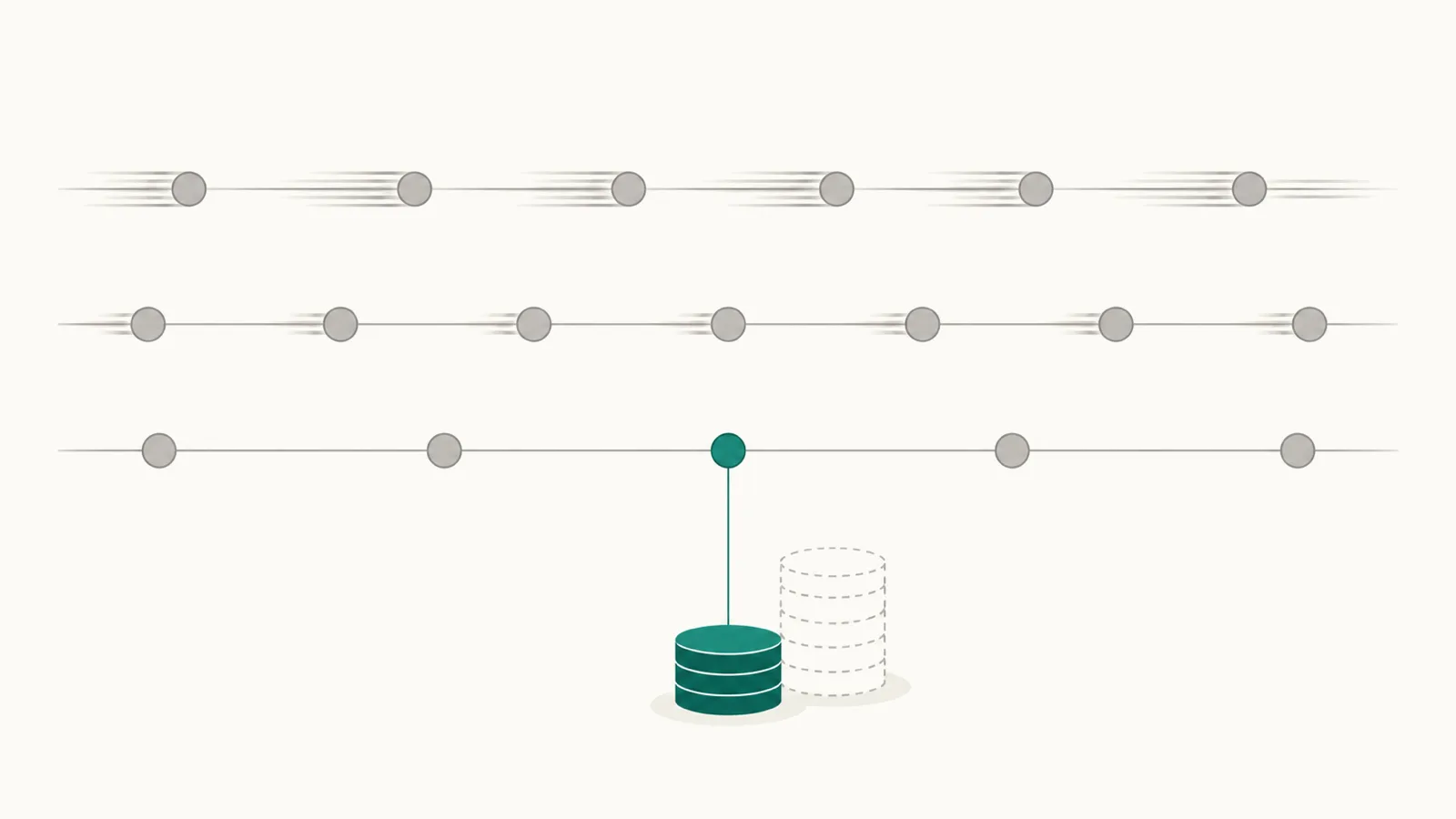
OpenAI gives API teams detailed reports and several ways to pay less for the same work: five ways to run a request, prompt caching on by default, and models at very different prices. What your team adds is the business view, meaning which team each dollar belongs to and what the work produced.
We suggest you give each dollar an owner first, then check the settings that raise the price, then choose the levers that fit each workload. Prices change, so the ones here are from OpenAI's pricing page in October 2026.
What OpenAI already gives you
The OpenAI dashboard shows usage and cost, and the organization's usage and cost endpoints return the same data to an Admin API key.
- Usage can be grouped by project, user, API key and model. For text models it can also be grouped by whether a request ran as a batch and by its service tier, so you can see which requests ran at which price.
- Cost comes by day, in US dollars, grouped by project or by line item.
- Controls. Each project can have its own rate limits for each model, and a monthly spend alert that emails your team. OpenAI notes that the alert does not stop requests or cap spending.
- Caching. A Prompt Caching Dashboard shows how often requests read from the cache.
What the reports leave out
The reports name a project, a key and a user, but not the team or the product behind them, so that mapping is yours. They also cannot say whether a request resolved a ticket or finished a document. And because a spend alert only sends an email, a project that needs a hard stop needs one somewhere else, in your own code or in a gateway.
Valistry is built for the first two: it maps each project and key to a team, and joins the spend to results from your own systems.
Give each dollar an owner
On the OpenAI API, the project is where an owner is recorded, so set projects up with care.
- One project for each team or product, named so that finance can read it.
- Separate development and evaluation into their own projects. Evaluations are often the first place to use Flex or Batch, and keeping them apart makes that easy to see.
- Use service accounts for production systems, so a key does not depend on one person's account.
- Set a spend alert on every project, sent to the team that owns it, and a rate limit on the models it uses most.
- Map each project to a team once, and keep that list beside your budget.
First, check what raises the price
Two settings cost more by design, and both are easy to turn on and forget.
- Fast mode. It delivers up to 2.5 times faster speeds, at twice the standard price. A request can ask for it with
service_tier, and a project can make it the default: under Settings, General, the Project Service Tier field. When it is set to Fast, every request that does not name a tier runs in Fast mode. The response'sservice_tierfield shows the tier each request used, and the usage report groups by it. - Regional processing. Data residency endpoints cost 10% more for models released on or after March 5, 2026. We suggest using them where a contract or a law requires it.
The levers OpenAI offers, and what each saves
- Model choice
- GPT-6.1 Sol in place of AstraA fifth of GPT-6 Astra's price
- GPT-6 Luna for simple tasksA hundredth of GPT-6 Astra's price
- Caching
- Prompt caching, on by defaultA cached read costs 10% of input, 5% on Sol
- Stable content firstNo published figure
- How calls run
- Batch API, within 24 hours50% less than standard
- Flex for work that can be slowBatch rates; not charged when refused
- Limits
- A spend alert on every projectNo published figure
- A rate limit per modelNo published figure
- Tools
- Web search only where needed$10 per 1,000 calls
- Speed and place
- Fast as a project's defaultCosts 2x standard
- Ultrafast on GPT-6 AstraCosts 6x standard
- Regional processingCosts 10% more on newer models
- Prompts past the long-context lengthAstra input costs 2x
Each figure is a list price or OpenAI's own guide. Your bill shows your own.
Model choice. OpenAI's cost guide suggests models that balance cost and speed with the accuracy you need. The three current GPT-6 models differ a great deal in price.
- GPT-6 Luna
- $0.10
- $0.01
- $0.50
- GPT-6.1 Sol
- $2
- $0.10
- $10
- GPT-6 Astra
- $10
- $1
- $50
| Model | Input | Cached input | Output |
|---|---|---|---|
| GPT-6 Luna | $0.10 | $0.01 | $0.50 |
| GPT-6.1 Sol | $2 | $0.10 | $10 |
| GPT-6 Astra | $10 | $1 | $50 |
Per million tokens, standard tier, short context. Batch and Flex charge half of each.
A very long prompt costs more. Past the long-context length on the pricing page, GPT-6 Astra's input price doubles to $20 per million, and its output rises to $75.
Caching. Prompt caching is on by default for supported models. A cached read costs a tenth of the input price, and a twentieth on GPT-6.1 Sol. On GPT-5.6 and later models, writing a prefix to the cache costs 1.25 times input, and OpenAI's own example shows that one write and nine reads cost 2.15 times the input price of a single prompt, against 10 times without caching.
- The cache matches from the start of the prompt, so stable content goes first: instructions, tool definitions, then the conversation.
- Changing the model, the tools, the output schema or the reasoning effort can change the prefix and miss the cache.
- A prompt must be at least 1,024 tokens on GPT-5.6 and later to be cached.
How calls run. The Batch API costs 50% less, has its own higher rate limits, and finishes within 24 hours. Flex processing is charged at Batch rates but works with ordinary requests: you set service_tier to flex and accept slower answers. When Flex has no capacity, it returns a 429 error and you are not charged, so a job can retry later or retry once at the standard tier. Flex is in beta and covers some models, so check the list first.
Tools. Web search costs $10 per 1,000 calls, plus the tokens its results add. Code Interpreter runs in a container billed from $0.03 for each 20-minute session.
What costs more. Fast mode costs twice the standard price, and Ultrafast mode on GPT-6 Astra costs six times. Both suit work where a person is waiting for the answer.
How to know a change worked
A change has worked when the same workload produces the same results for less, with no drop in quality. You can measure that in four steps.
- Pick one workload and one change, for example moving a nightly evaluation run to Flex.
- Write down the baseline over 30 days: the workload's cost from its project in the cost report, and the number of finished tasks from your own system. Divide the cost by the finished tasks.
- Make the change, and leave everything else as it was.
- Measure the same workload over the same number of days, and compare the cost per finished task.
Keep your quality checks running next to the cost. If answers need more retries or more human review after a change, the extra time people spend can cancel the saving on the bill.
The cheapest request is the one that runs at the tier the work needs.
The usage report also gives you two quick checks each week: the share of each project's requests by service tier, and the share of input read from the cache.
What Valistry adds
Valistry reads OpenAI's usage and cost reports with a read-only key, and never reads a prompt or an output. It puts OpenAI spend beside every other AI vendor and seat, and shows where a cheaper model for the job would save, checked on your own runs. The OpenAI page lists what it reads.
The teams that get the most from the OpenAI API usually know which team owns each project, which tier each workload needs, and what one finished task costs. The data for all three is already in OpenAI's reports and in your own systems.