
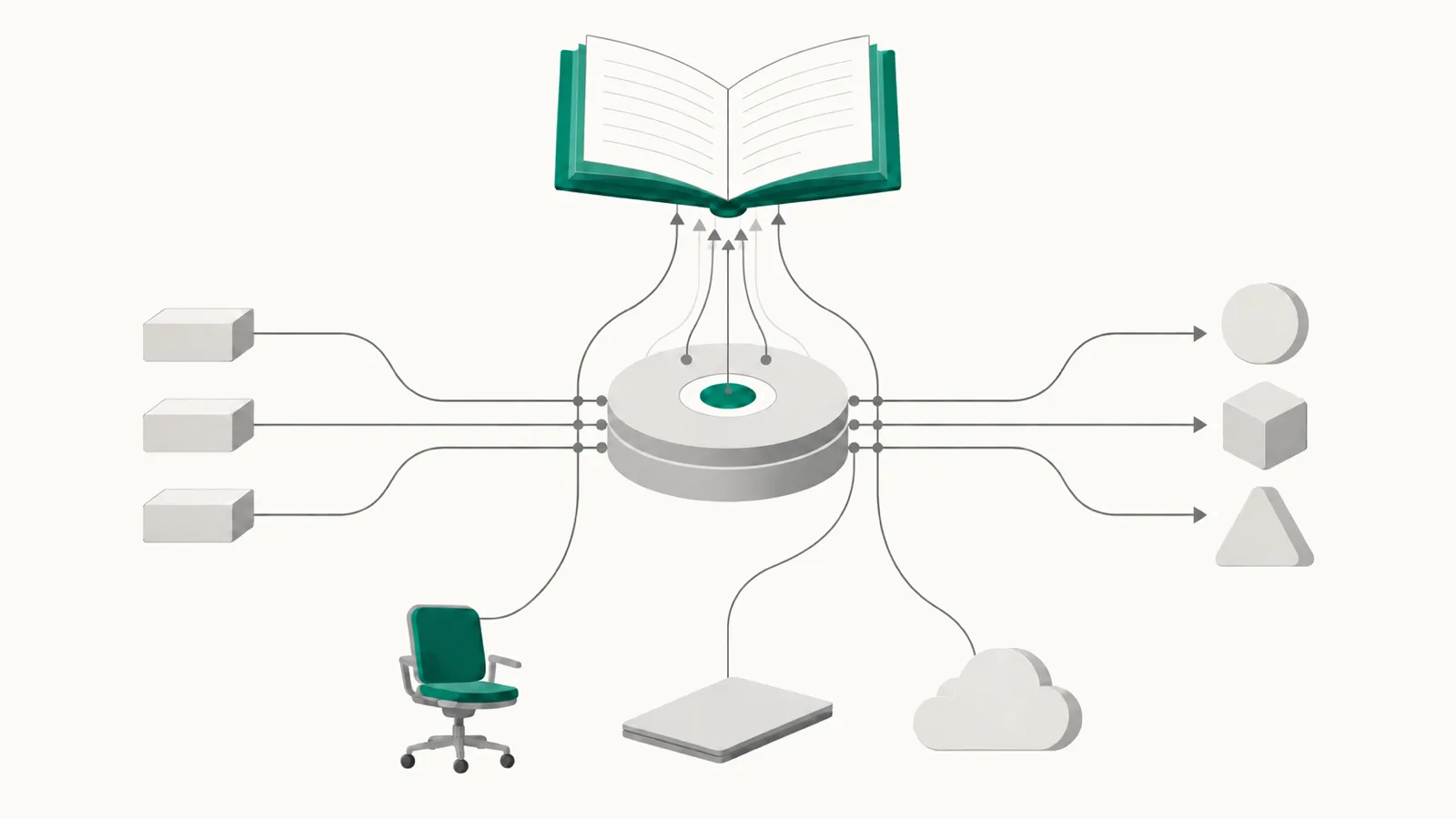
An AI gateway sits between your applications and the model providers. It gives every team one way to call many models, and it routes, retries, limits and logs each call. Two common choices are LiteLLM, an open-source proxy you run yourself, and OpenRouter, a hosted service.
For one team that sends every call through one gateway, with a key for each application, the gateway's spend view can be enough. This guide covers how to get the most from that view, and what to add once AI spend grows past the calls the gateway carries. Both products change quickly, so what follows is how they work in October 2026.
What a gateway already gives you
- One log of every call. LiteLLM tracks spend for each key, user, team and tag, and shows it on its Usage tab and through its spend endpoints. OpenRouter returns the cost of each call in the response itself, with token counts and cached tokens.
- Budgets that stop calls. In LiteLLM, a key, a user or a team can have a budget, and requests fail once it is spent; a budget can reset after a period you choose, such as 30 days. In OpenRouter, each API key can have a credit limit that resets daily, weekly or monthly, and a key that passes its limit is turned off.
- Routing. Both send a call to another model or provider when the first one fails. OpenRouter, by default, spreads requests across the providers that serve a model and favors the lower price; you can also sort by price, speed or latency, or set a maximum price.
Two gateways, two kinds of number
The cost a gateway shows depends on who sends the bill.
OpenRouter bills you. You buy credits, and each call's cost is taken from them. OpenRouter says it passes through the providers' prices without a markup and charges a fee when you buy credits. If you bring your own provider keys, the first $25,000 a month of usage on the pay-as-you-go plan has no fee, and usage above that costs 5% of what it would on OpenRouter. So for calls through OpenRouter, its figure is close to your bill.
LiteLLM calculates. It prices each call from its model cost map, a public table of list prices, unless you set your own prices for a model. Your provider bill may be lower, because of a negotiated discount or credits, or higher, because of fees the table does not know. LiteLLM's own documentation has a workflow for when its cost does not match the provider bill. We suggest setting input_cost_per_token and output_cost_per_token on each deployment to the rates in your contract, and comparing LiteLLM's monthly total with the provider invoice once a month.
Give each dollar an owner in the gateway
The key is where an owner is recorded in a gateway, so set keys up with care.
- One key for each application, never one shared key for the company. A shared key can only be split by a rule, and finance will always ask what the rule was.
- Group keys by team. In LiteLLM, add a
team_idto each key so it draws on the team's budget. In OpenRouter, name each key for its team and application. - Give each team a budget with a monthly reset, set a little above its usual spend, so a job that loops stops before it spends a month's budget.
- Tag requests by job or workflow where your plan allows it. In LiteLLM, spend by tag is an Enterprise feature.
What goes around the gateway
A gateway sees the calls sent through it, and only those. As AI spreads through a company, more of the spend goes around it.



Add both before you quote a total for AI.
- Seats. Coding assistants such as GitHub Copilot and Cursor, and chat assistants bought per seat, are billed per person by their vendor. Their calls never pass your gateway.
- Direct cloud calls. A team that calls Amazon Bedrock or Vertex AI directly, inside its own cloud account, is billed by that cloud.
- Agents inside other software. AI built into a CRM, a help desk or an office suite is billed by that vendor, often as part of a license.
- The result. A gateway knows tokens, speed and errors. It cannot know whether a call resolved a ticket or helped merge a change, because that lives in your own systems.
None of this is a weakness of the gateway. It was built to carry calls, and it carries them well.
The gateway's total is the total for the gateway. The total for AI is larger.
Valistry is built for the larger total: it reads your gateway and adds what goes around it.
How to know a change worked
A change has worked when the same workload produces the same results for less, with no drop in quality. You can measure that in four steps.
- Pick one workload and one change, for example routing a classification job to a cheaper model.
- Write down the baseline over 30 days: the workload's cost from its key, and the number of finished tasks from your own system. Divide the cost by the finished tasks.
- Make the change, and leave everything else as it was.
- Measure the same workload over the same number of days, and compare the cost per finished task.
On LiteLLM, use costs set to your own rates for this comparison, or check the result against the provider invoice, so the saving you report is a saving on the bill.
What Valistry adds
Keep your gateway. Valistry reads LiteLLM's spend logs and OpenRouter's activity with read-only access, and never reads a prompt or an output. It puts that spend beside every bill and seat outside the gateway, gives each dollar one owner across the gateway and every vendor, and joins the spend to results from your ticket or code system. The LiteLLM and OpenRouter pages list what it reads.
The teams that get the most from a gateway usually give every application its own key, set their own rates where the gateway calculates, and add what goes around it before they quote a total for AI.
Connect LiteLLM or OpenRouter, read-only.
Or take the AI efficiency check