
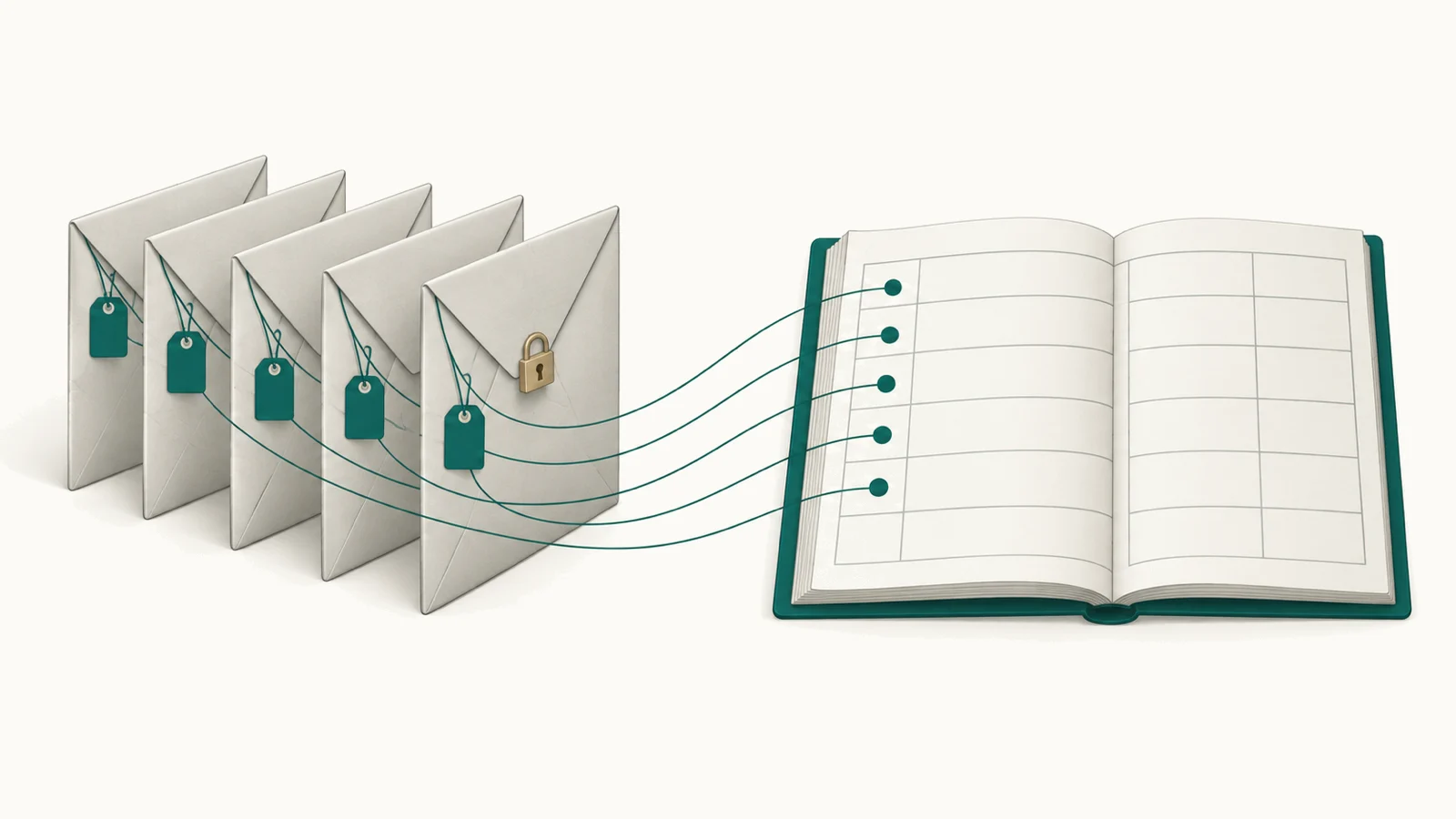
When a team proposes a tool to track AI cost, the security review usually starts with one question: what will this tool see? It is a fair question, because prompts carry customer messages, contract text and source code. A cost tool that reads every prompt is one more place where that text can be kept too long, or read by the wrong person.
The answer can be reassuring, because cost does not need content. Whether the text comes along anyway depends on how a tool collects its data, and that is the part a security reviewer will want to look at most closely.
To know what AI cost, who owns it and what it produced, nobody needs to read a prompt.
What a cost figure is made of
Take one model call and ask what the cost arithmetic needs. It needs six things: the provider and model, when the call ran, how much it used, what it cost, how it went, and whose it was. How much means tokens, requests, seats or seconds; whose means the account, project or key the call came in on.
The outcome adds two more: the state of the record the work produced, such as a ticket marked resolved or a pull request merged, and its date. With those, you can divide spend by successful outcomes. The words in the ticket, the prompt sent to the model and the answer it gave play no part in that division.
Four ways to see AI cost
Teams usually reach their AI cost in one of four ways, and each one asks you to hand over something different.
- A gateway or proxy in the request path. Your applications send each model call to the gateway, which forwards it to the vendor. To forward a call, the gateway has to receive the whole prompt and the whole answer. Whether it keeps them depends on how it is set up, so that is the first setting a reviewer checks.
- Instrumentation in your code. A library inside each application records every call as it happens. It needs a code change in each service that calls a model, and because it sees what that code sends, capturing content is again a setting to check.
- The vendor's invocation logs. Some platforms can log each call for you. On Amazon Bedrock, model invocation logging is off by default. Once you turn it on, AWS says it collects "the full request data, response data, and metadata" of each call, for the data types you select: text, image, embedding or video. That detail helps when you debug a call, but for cost alone it keeps more than you need, unless you leave text out.
- Read-only usage and billing records, with the outcome system's records. Most vendors report usage and cost through an admin API or a billing export. Anthropic's Usage and Cost Admin API, released in August 2025, returns token counts by model, workspace, API key and service tier, and cost in US dollars by workspace, and it has no field for a prompt. The help desk or code host then gives the state and date of each record.
- Gateway or proxy
- Instrumentation in your code
- Vendor invocation logs
- Usage and billing data, read-only
Cost, owner and outcome, with no prompt read.
What a gateway does well
A gateway does a lot of useful work. It routes calls, retries them when a vendor fails, enforces limits per key, and logs every call it handles. Each virtual key it issues is also one of the clearest owner signals a company can have, because a team, an application or an agent comes in on its own key.
If one team sends every call through one proxy, with a separate key for each application, the gateway's spend view may be all that team needs for now.
Where a gateway's view stops
Most companies pay for AI in more places than one proxy can reach, and the gaps tend to fall in three areas.
- Coverage. A gateway sees the calls sent through it. Coding seats, chat seats, AI inside the help desk or the CRM, and calls a team makes straight to a cloud platform never pass through a proxy.
- The figure. A gateway prices each call from a price list, either the public one or rates you enter yourself, while the invoice holds what you were charged, with your discounts, credits and committed plans. One open-source gateway, LiteLLM, is open about this. Its guide to debugging a cost discrepancy (April 2026) names token counting, the cost formula and out-of-date prices as the usual causes of a gap with the provider's bill. It also expects the provider to show higher usage when some calls go to it directly.
- The result. A gateway sees tokens, speed and errors, but whether the ticket was resolved or the change merged is recorded in another system.
None of these gaps is a fault in the gateway. It was built to control traffic and does that well, while seeing what all of your AI spend produced, across every vendor and seat, needs records the gateway never receives.
Keep your gateway, and read the rest
We suggest you keep your gateway and read it beside everything else. Its spend log, by key, is usage data like any other: the key, the model, the tokens and the time, with no need for the text. Read it next to each vendor's usage and billing records, the seat lists and the outcome system's record states, and together they give you the whole cost, an owner for each part, and what each part produced.
That is how we built Valistry. Each connector asks for the least read-only access the vendor allows, and the usage record it writes has no field for prompts, completions, transcripts, documents or source code. A test fails the build if anyone adds one. Your gateway stays where it is, and Valistry reads its log along with everything the gateway does not see.
Four questions for any cost tool
Whichever tool you consider, ours included, a security review can ask these:
- Does the tool sit in the path of each call, or does it read records after the call?
- Which fields does it store, and could any of them hold a prompt or an answer?
- What access does it ask for, and can that access change anything at the vendor?
- Does its monthly total match the invoices?
The first three protect your data, and the fourth tells you whether finance will trust the number.
A test you can run this week
With last month's bills and an hour or two of work, you can check how much of your AI spend a gateway sees.
- Add up last month's AI invoices: the model providers, the AI lines on your cloud bill, coding and chat seats, and the AI charges inside other software.
- Add up the gateway's spend for the same month.
- Divide the second by the first. That is the share of your AI bill that passed through the gateway.
- For the vendors behind the gateway, compare its figure with their invoices for the same month.
If the share is high and the figures match, your gateway is a good base, and the next step is to tie each key to the outcome it serves. If the share is low or the figures differ, the rest of your AI spend can come in from usage and billing records, which hold no prompts. Either way, the budget review will still ask what the spend produced, against what you expected.
See where your company stands today.
Take the AI efficiency check